
What Are Core Web Vitals?
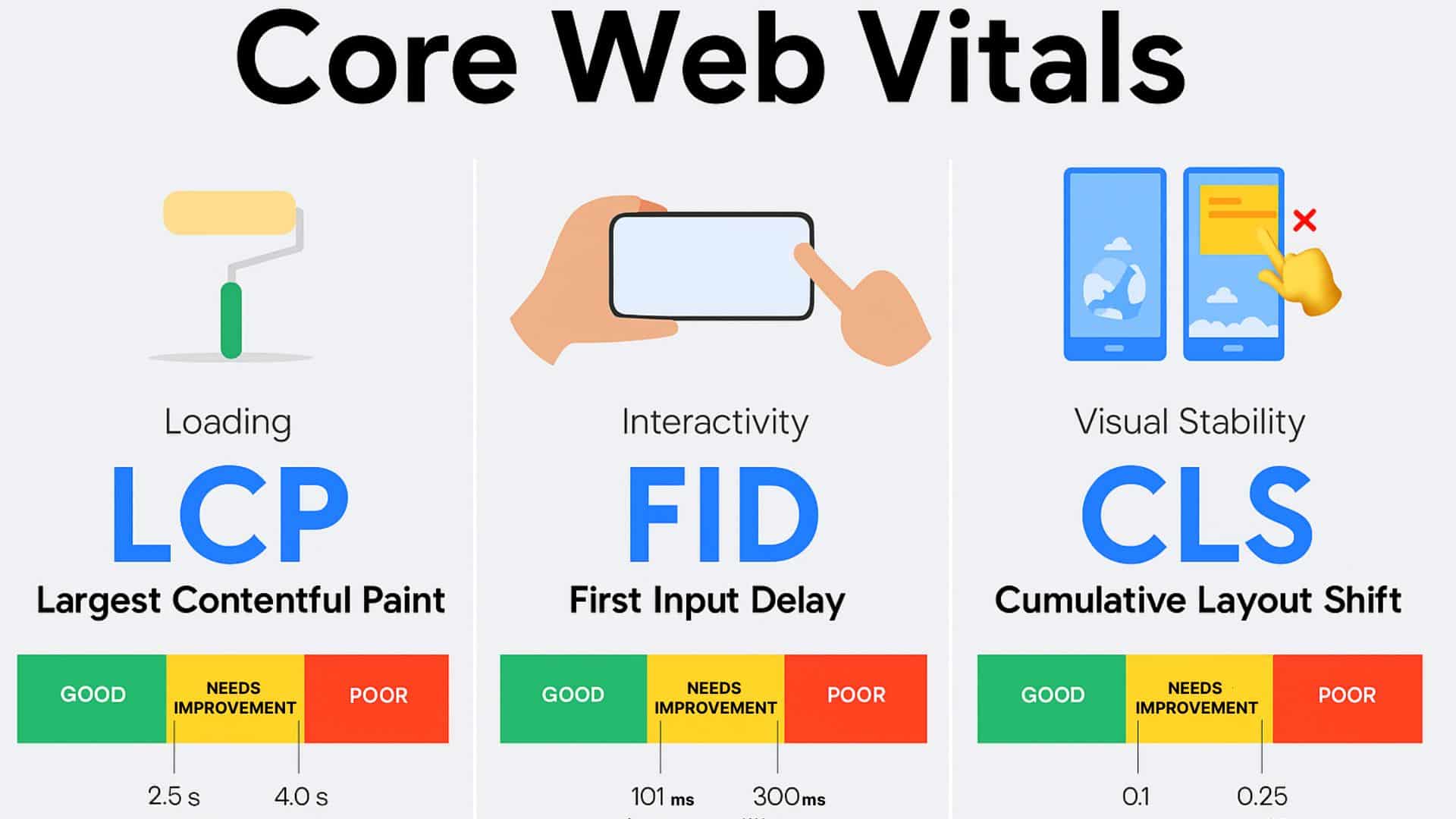
Core Web Vitals (CWV) is a set of user‑centric metrics defined by Google to measure real‑world experience on web pages, specifically loading, interactivity/responsiveness and visual stability.
They are distinct from broader performance metrics in that they’re essential for all pages, measured in the field (real users) and are surfaced in Google’s tools (like Search Console, PageSpeed Insights).
By focusing on the 75th percentile of page loads for mobile + desktop you ensure most users get a “good” experience.
Why They Matter for Your Website
- Google uses Core Web Vitals as part of its page experience ranking signals, so poor metrics can undermine SEO.
- Good CWV correlates with better engagement, lower bounce rates and higher conversions. For example, one Google data set showed pages passing CWV were 24% less likely to be abandoned.
- For businesses in Malaysia and Southeast Asia, mobile users and slower connectivity make CWV improvements even more important. A website that loads smoothly across devices sends a message of professionalism and trust.
Breakdown of the Three Core Metrics
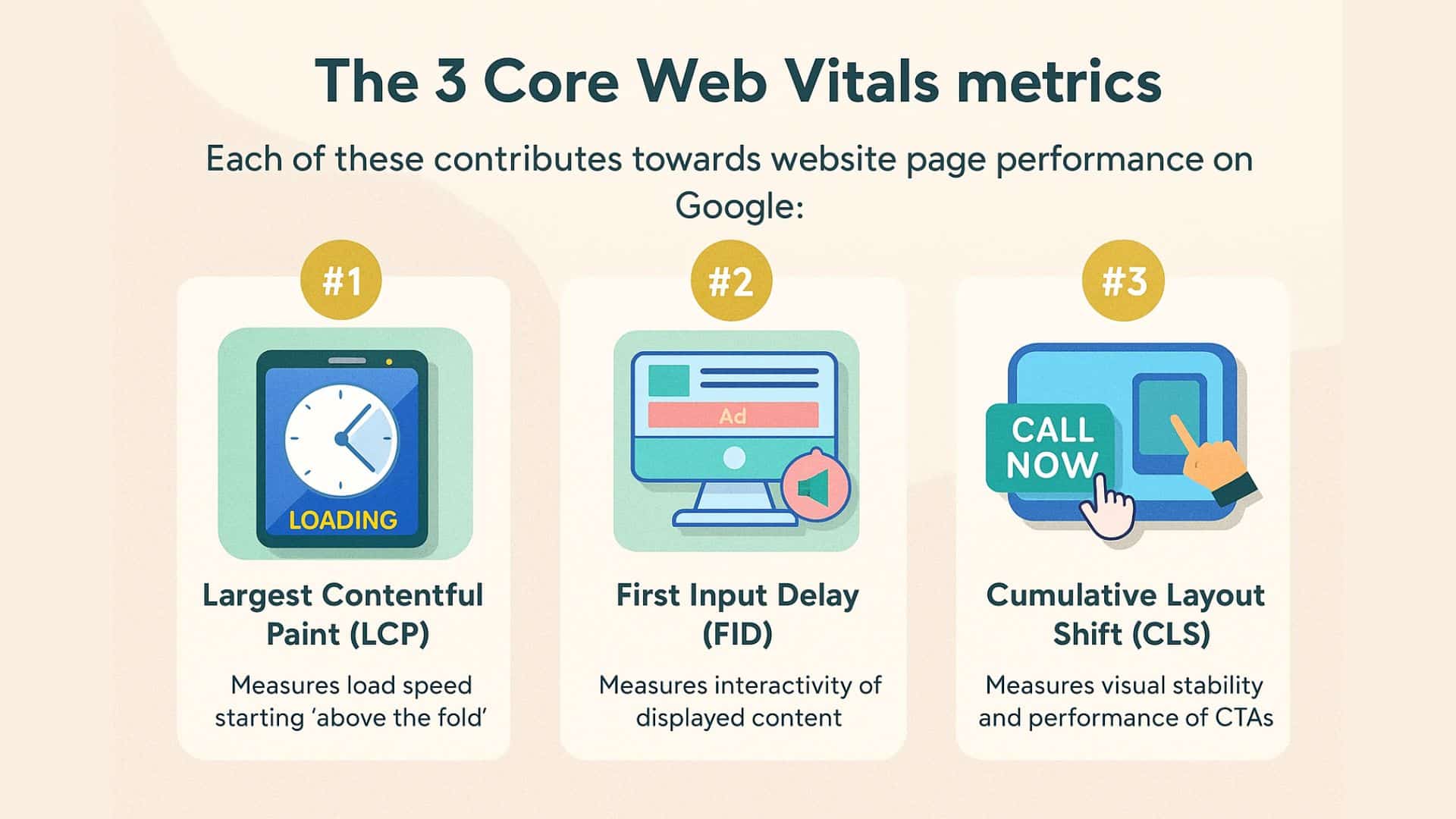
1. Largest Contentful Paint (LCP)
Focus: How fast the main content becomes visible.
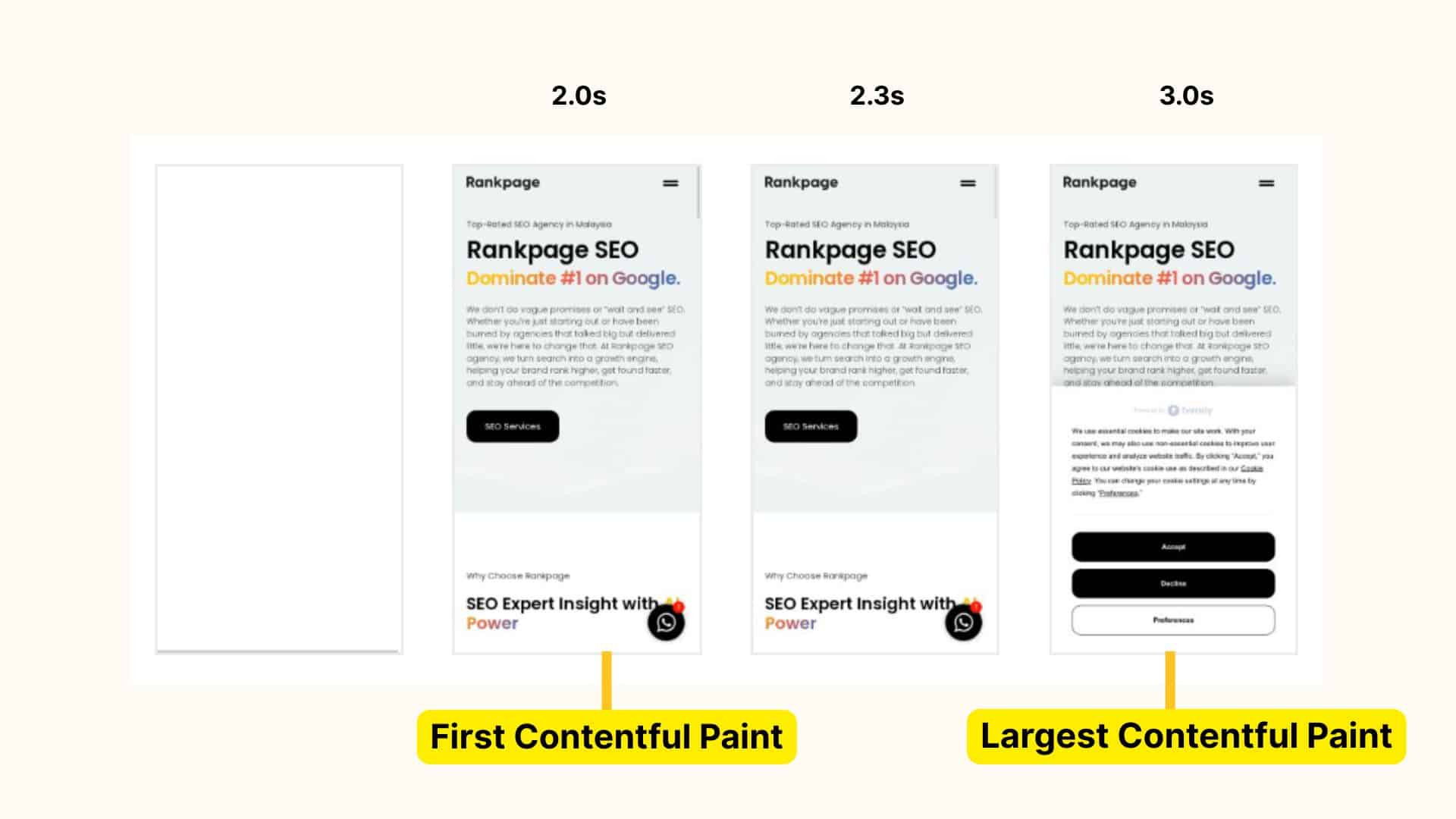
LCP measures the time from when the page starts loading to when the largest content element (image, video, block of text) in the viewport is rendered.
- Good threshold: ≤ 2.5 seconds
- If your LCP is slow (like, 4 + seconds), users may perceive the site as slow or unresponsive.
- Typical improvement tactics: server response time reduction, resource load optimisation (images, CSS, JS), prioritising above‑the‑fold content.
2. Interaction to Next Paint (INP)
Focus: How responsive the page is to user interaction.
INP replaces First Input Delay (FID) in 2024. It measures latency for all interactions across the page lifecycle, not just the first one.
- Good threshold: ≤ 200 milliseconds
- If users tap a button or link and nothing happens for 500 ms +, they’ll notice the lag.
- Improvement tactics: reduce long tasks in JavaScript, optimise main‑thread work, defer non‑critical scripts.
3. Cumulative Layout Shift (CLS)
Focus: How stable the visual layout remains while loading.
CLS measures unexpected shifts of page elements that occur after they render such as, an image loads and pushes down text, or an ad appears and moves content.
- Good threshold: ≤ 0.1 (unitless score)
- High CLS undermines user trust (they might click the wrong button, or lose context).
- Improvement tactics: reserve size for images/ads/iframes, avoid inserting content above existing content, use CSS animations/transitions properly.
How to Measure and Monitor Core Web Vitals
1. Google Search Console
Core Web Vitals report shows aggregated field data from real users, grouped by “Good”, “Needs improvement”, “Poor.”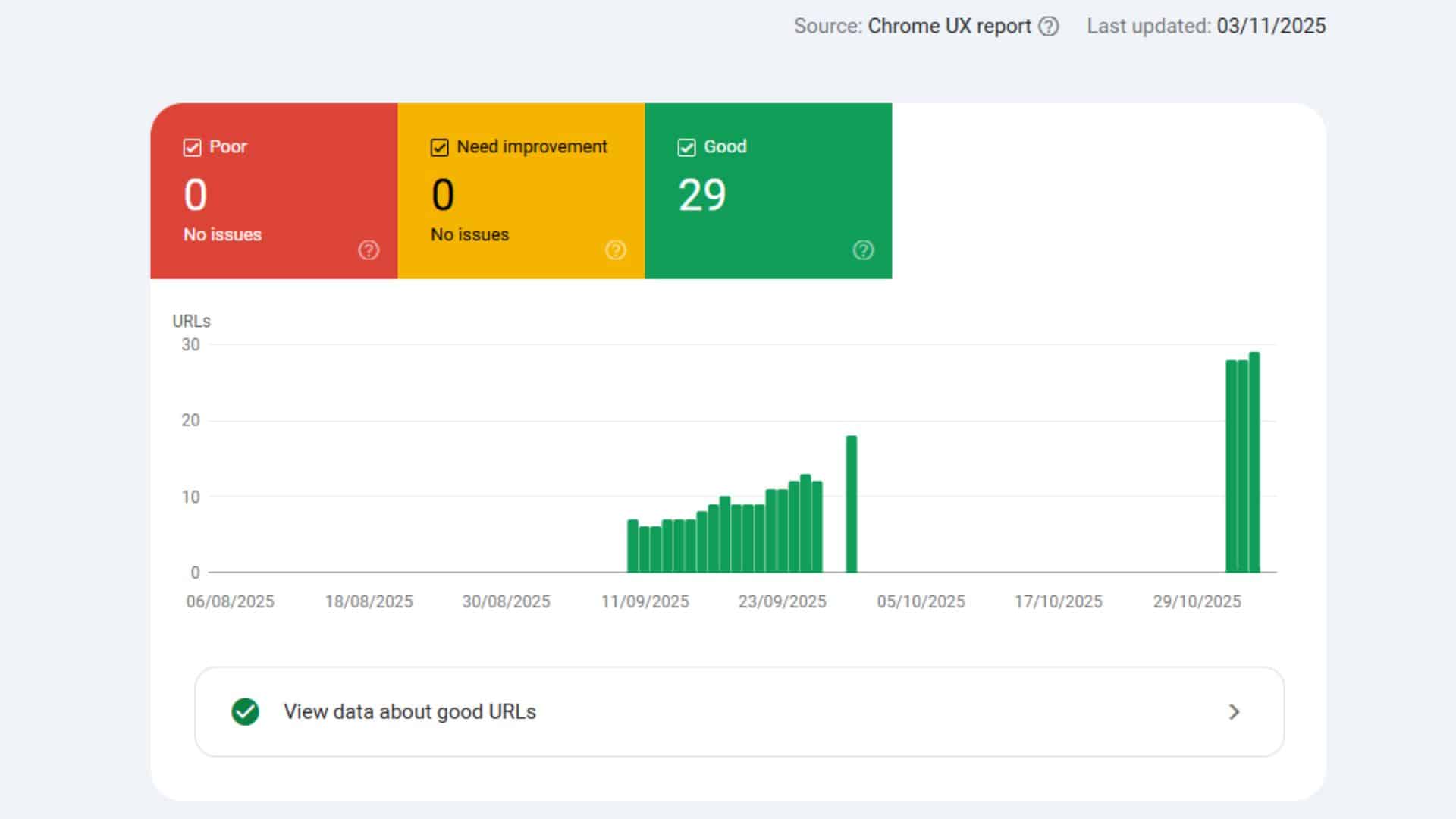
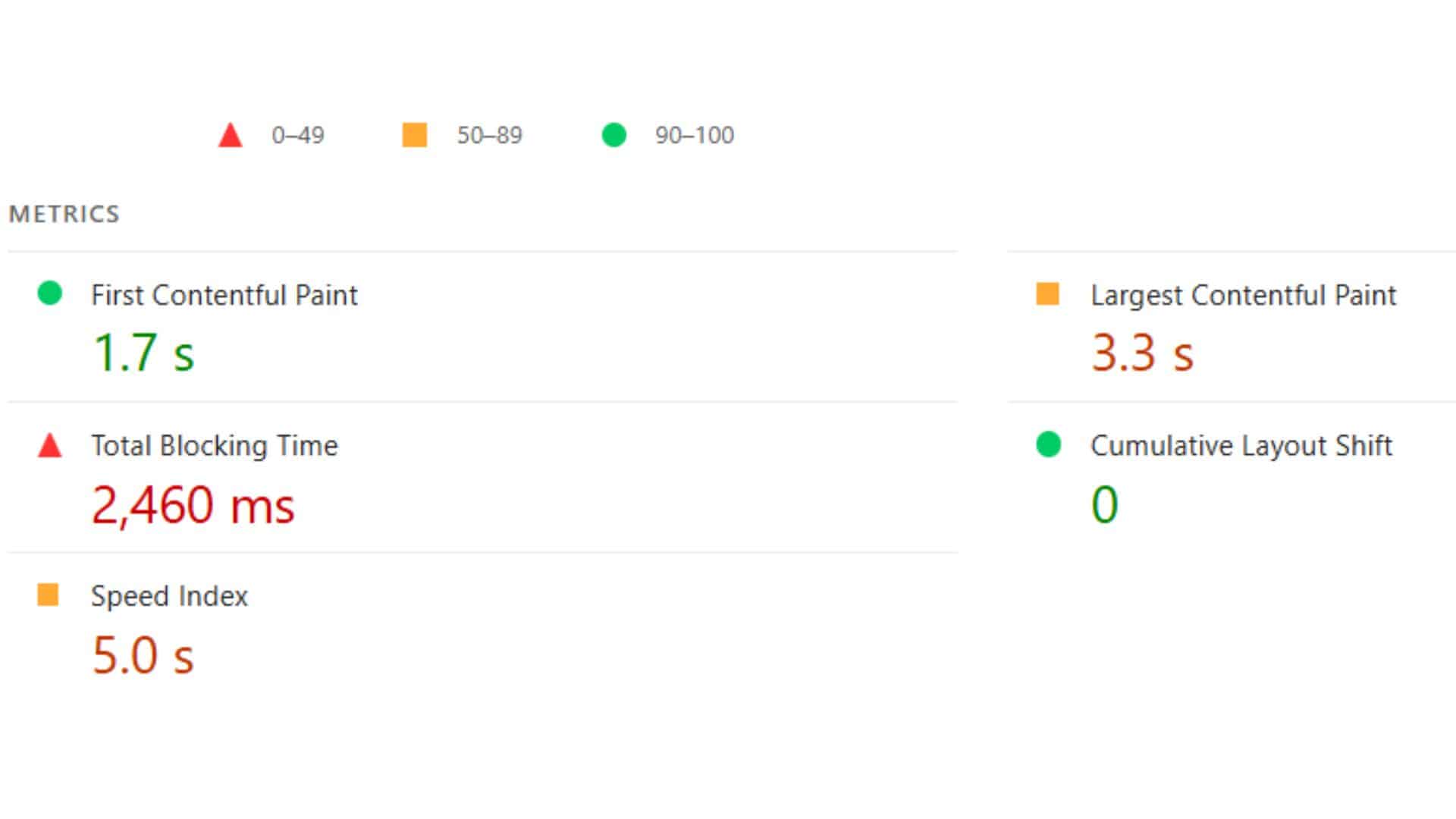
2. PageSpeed Insights & Lighthouse
Provide lab and field data for each URL, with actionable diagnostics.
3. Real‑user monitoring (RUM) or analytics scripts
Can instrument INP and other metrics for your own dataset.
Note: For businesses targeting the Malaysian market, include mobile perspectives (5G/4G/3G), local server latency, regional CDN performance.
Common Roadblocks & How to Fix Them
Issue | Metric affected | Typical fix |
Large hero image loads slowly | LCP | Compress image, use priority/preload, reduce file size |
Heavy JS runs on page load | INP | Defer/fallback non‑critical JS, avoid blocking main thread |
Ads/iframes loading later push content | CLS | Reserve space, set width/height, lazy‑load responsibly |
Server response delay due to hosting region | LCP | Use CDN, optimise backend, cache assets |
Too many fonts or render‑blocking CSS | LCP/INP | Inline critical CSS, font‑display = swap, minimise resources |
“Improving Core Web Vitals often requires a holistic approach to web development and design.” — SEO team, Rankpage
Local Considerations for Malaysian Digital Presence
- Many users access via mobile devices on varying network quality. Optimising for slower networks (such as, 3G/4G) improves LCP and INP.
- If your site serves Malaysian audience, ensure your server or CDN has good coverage in Southeast Asia to reduce latency.
- Use localisation best practices without sacrificing performance, heavy localisation libraries or large assets can hinder LCP.
- Monitor mobile vs desktop separately. Google thresholds apply to both, but mobile tends to lag more.
- For SMEs competing locally, hitting “Good” on CWV gives a clearer competitive advantage, particularly when many regional sites are unoptimised.
When Does It Pay to Prioritise Core Web Vitals?
If your site meets these conditions, improving CWV should be a priority:
- You depend on organic search traffic and compete in crowded keyword spaces.
- Mobile users make up a significant portion of your traffic (as is common in Malaysia).
- You run e‑commerce, lead‑generation or content sites where bounce and conversion matter.
- You’ve had complaints of slow load times, high bounce rate, or low conversions.
If your site is already passing the core thresholds and you’ve got strong domain authority, the SEO gains may be marginal, but user‑experience gains remain valuable.
Conclusion: Core Web Vitals for Better Web Design & SEO
Improving your website’s performance through Core Web Vitals is more than technical tuning, it’s positioning your site to deliver faster, more stable, more responsive experiences.
For businesses operating today, especially in mobile‑first markets, hitting good scores in LCP, INP and CLS should be standard practice. Once done, you’ll not only be satisfying Google’s ranking signals, you’ll also be offering visitors a smoother experience and that means better engagement and conversion.